Dashboard Overview
Written By Courserev Help
Last updated 5 months ago
From your Home page of the Courserev's dashboard, you get a quick snapshot of what’s happening at your golf course. The page is organized into different widgets:
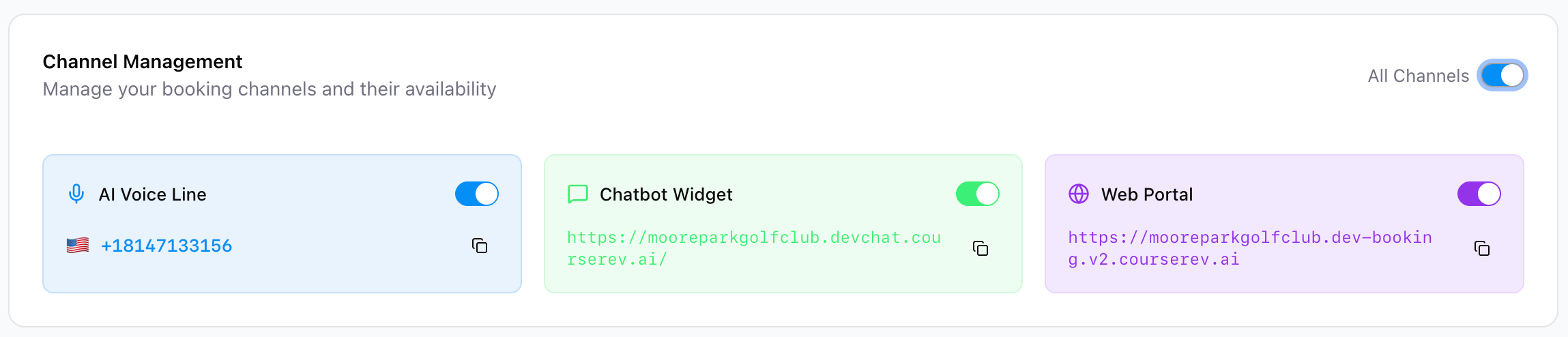
Channel Management: Activate or deactivate your AI Voice Concierge, Chatbot and Web Booking. You can also view your course’s assigned phone number, chat URL and web portal URL.
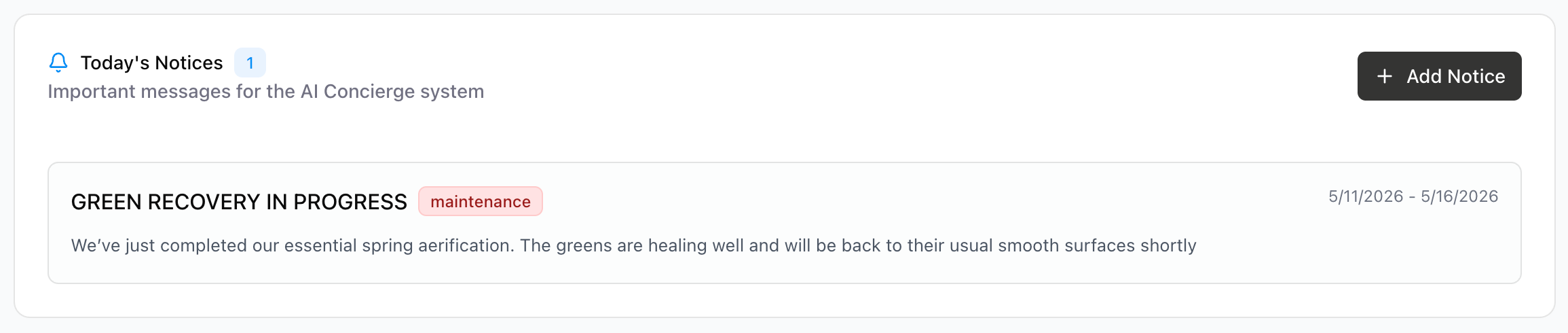
Noticeboard: Post important messages, status, events, promotions or mantenaince that all your channels will communicate to golfers. You can also see todays notifications displayed.
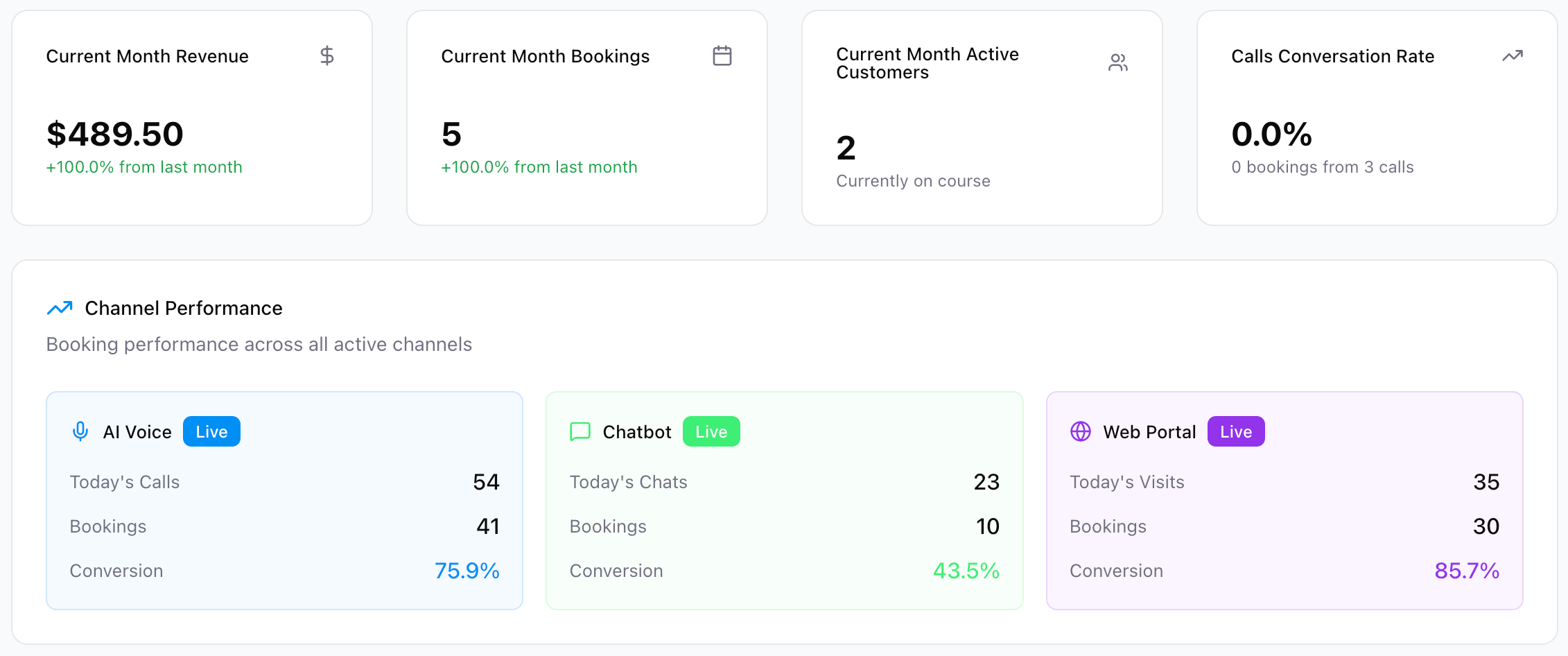
Key Metrics: Monitor your golf course’s performance with metrics and graphs.
Recent Activity: Here you can see the latest customers interactions across all channels.
Upcoming Bookings: Here you can see your next scheduled tee times, and relevant information about them.
Was this helpful?
Still need help? Share an idea