Analytics & Reports
Comprehensive insights and performance metrics for your golf club.
Written By Courserev Help
Last updated 5 months ago
On the top you can select the date range of the data displayed on the page.
Overview: Here you can see key metrics about your course.
Channels: You can find information segregated in the different channels.
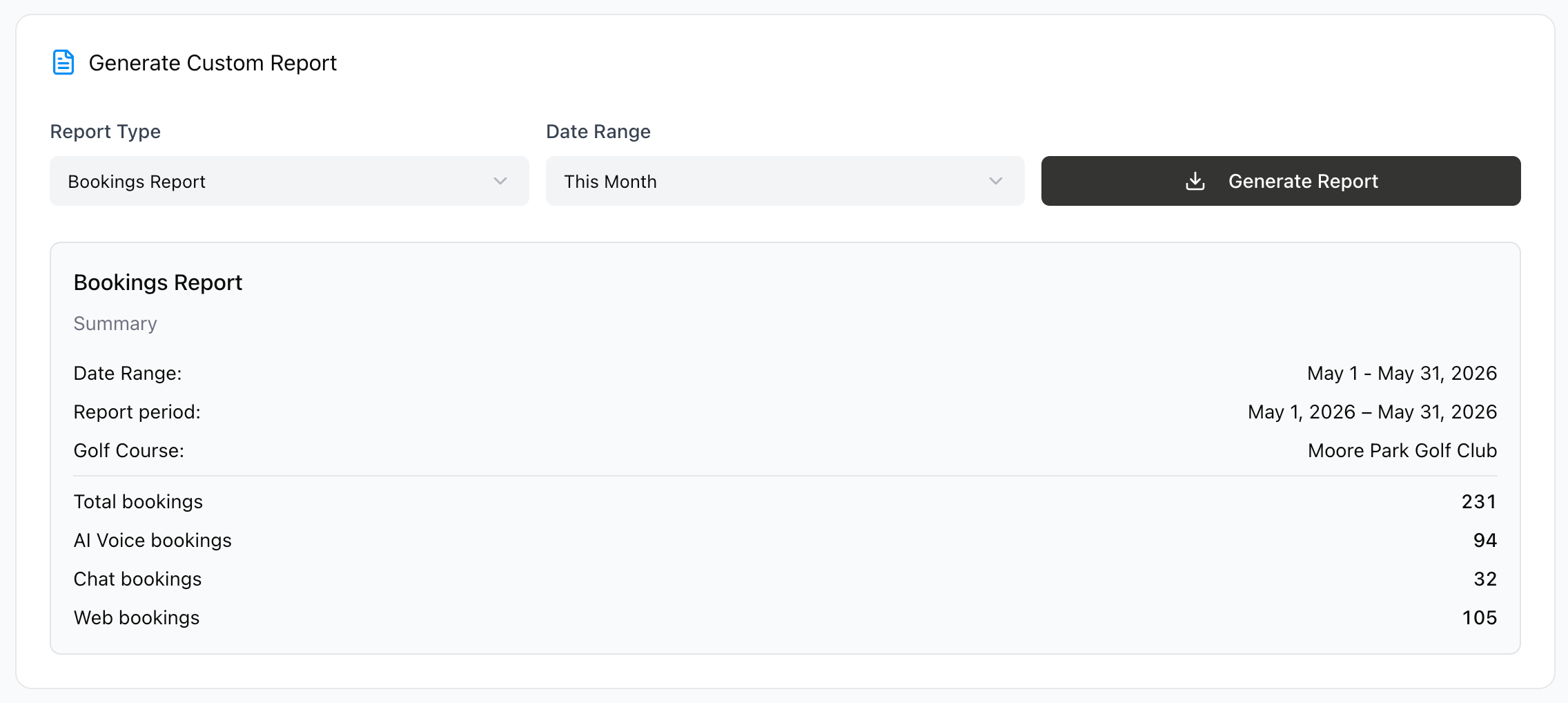
Reports: Here you can select the type of report that you want, choosing from Revenue, Bookings, Customer and Calls report, then select a date range and generate the report that you want. At the bottom you can see some summary metrics about the reports before generating the complete one.
Was this helpful?
Still need help? Share an idea