How to Connect ForeUp and Courserev
Written By Courserev Help
Last updated 5 months ago
To integrate your ForeUp Tee Sheet with Courserev's AI Voice Concierge and Chatbot, you’ll need to authorize Courserev in your ForeUp account.
Follow these steps:
Log in to your ForeUp account: https://foreupsoftware.com/
Go to the ForeUp App Store in the drop down menu:
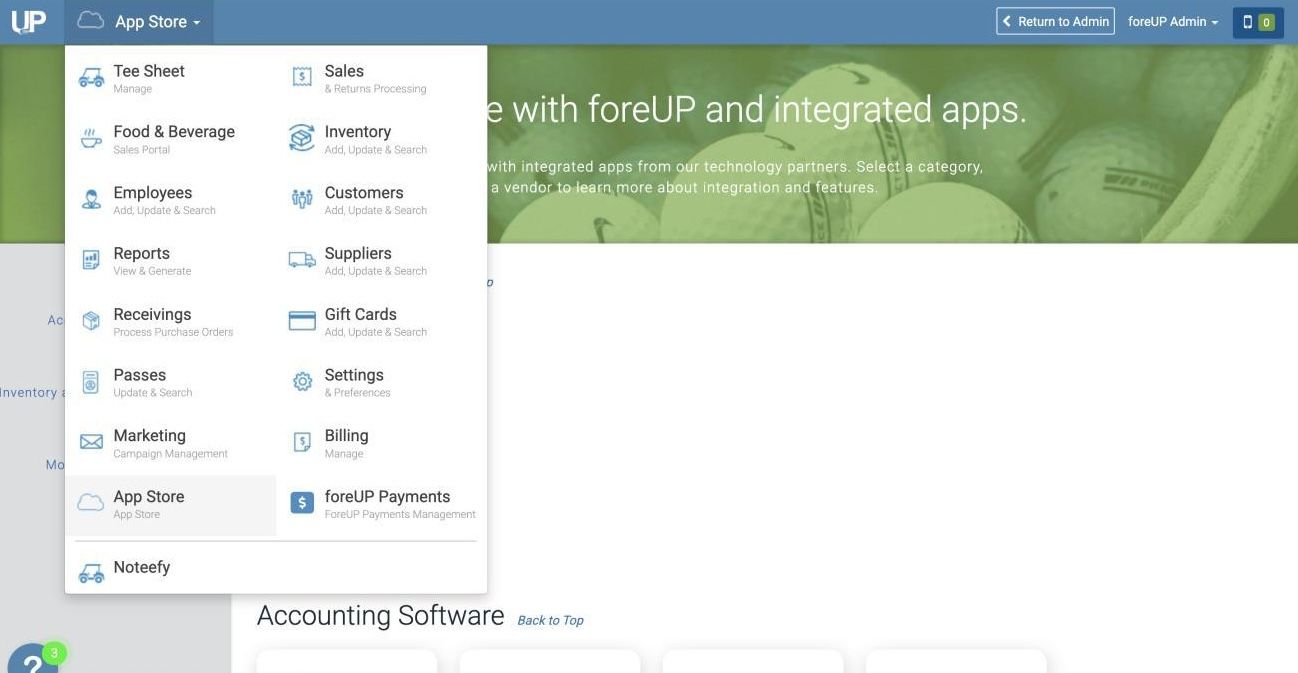
Once in the App Store, search for the 3rd Party Integration you are looking for. In this case, CourseRev.AI
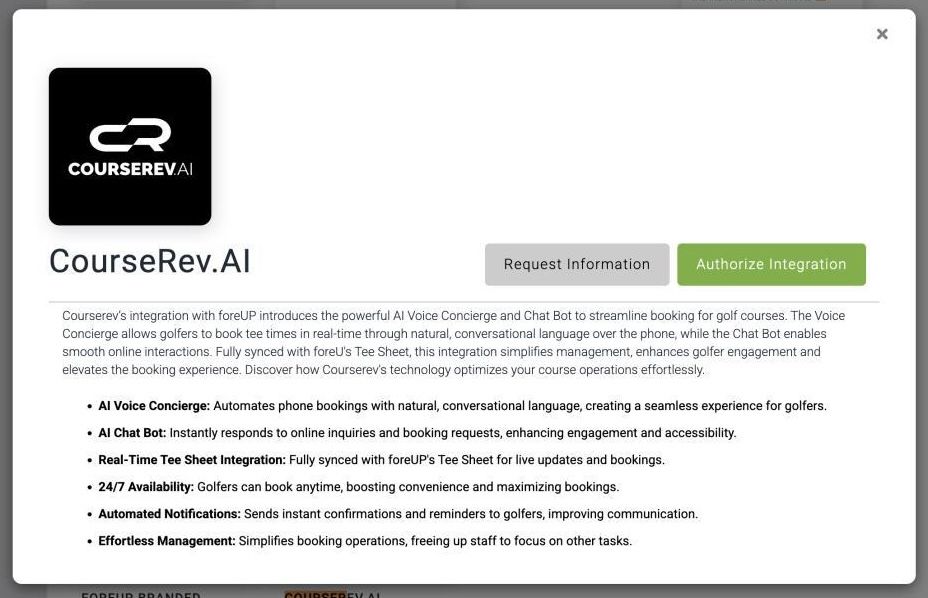
Click “Authorize Integration”, then OK. If successful, you will see this:
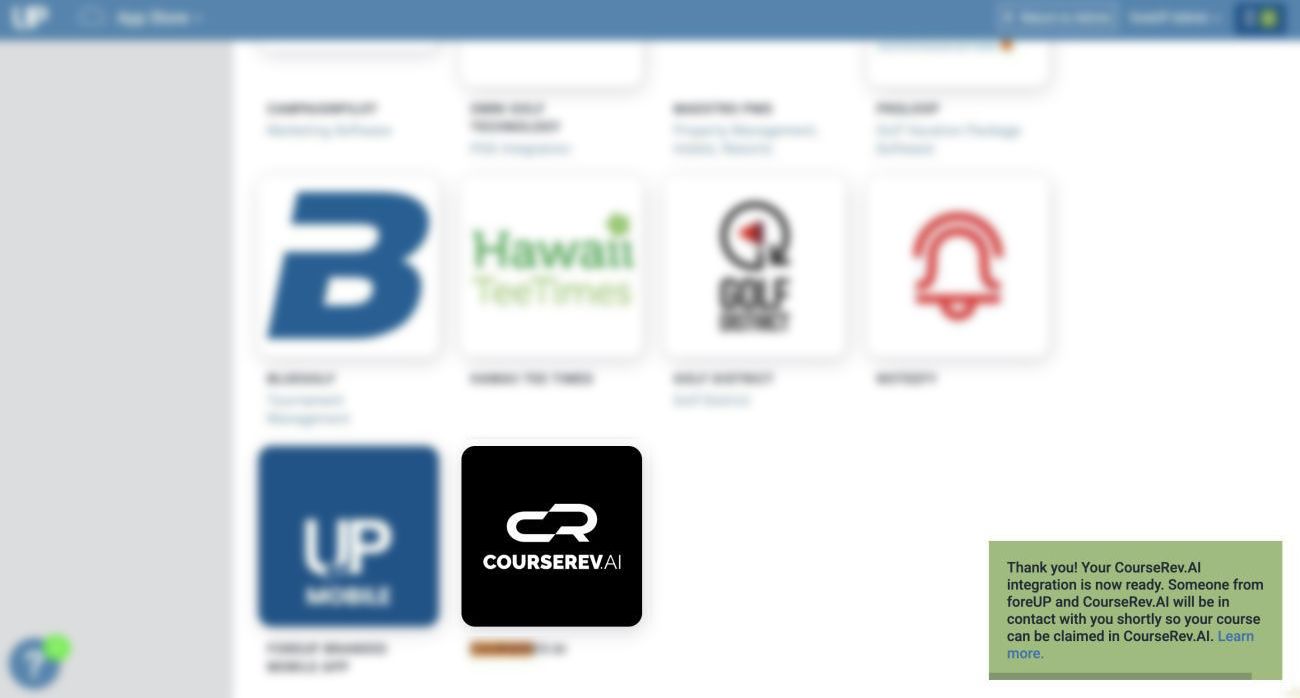
Once authorized:
ForeUp will receive a copy of the authorization.
Your data will start flowing automatically to Courserev using your course ID.
That’s it! Your ForeUp Tee Sheet is now connected, and we can begin setting up your AI tools.